|
<< Click to Display Table of Contents >> Export video via command line |
  
|
|
<< Click to Display Table of Contents >> Export video via command line |
|
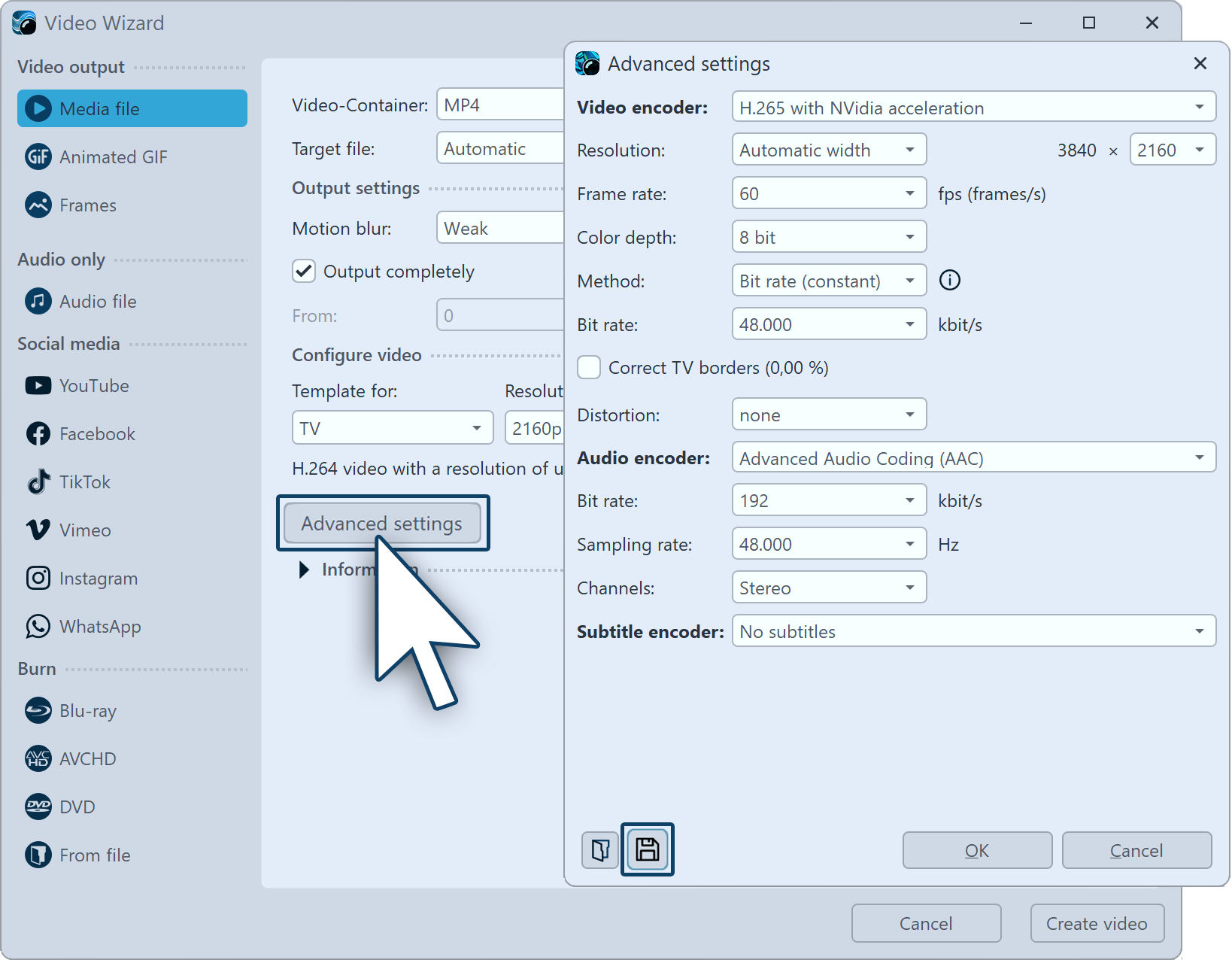
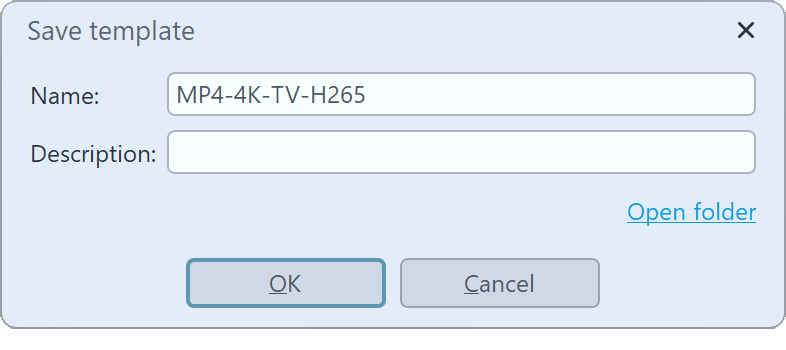
Once your project is saved in the form of the ads file and the template is available, you can start exporting the video via command line. 1.Open command line 2.Change to the STAGES directory 3.Start video generation Once the video is calculated, you will get the message "Critical errors: 0". You will now find your video file in the destination directory. |