|
<< Click to Display Table of Contents >> Export still image |
  
|
|
<< Click to Display Table of Contents >> Export still image |
|
Sometimes there is a desire to extract a particular still image from a project for further use in the project or even in external programs. This can be an original video frame, a beautiful image collage or even a labeled photo. In the Timeline you will find the function Export still image from this position. A JPG or PNG file is then generated.
A still image like this can also be used as a project thumbnail and, when exporting the project as a video, as a thumbnail for the video file.
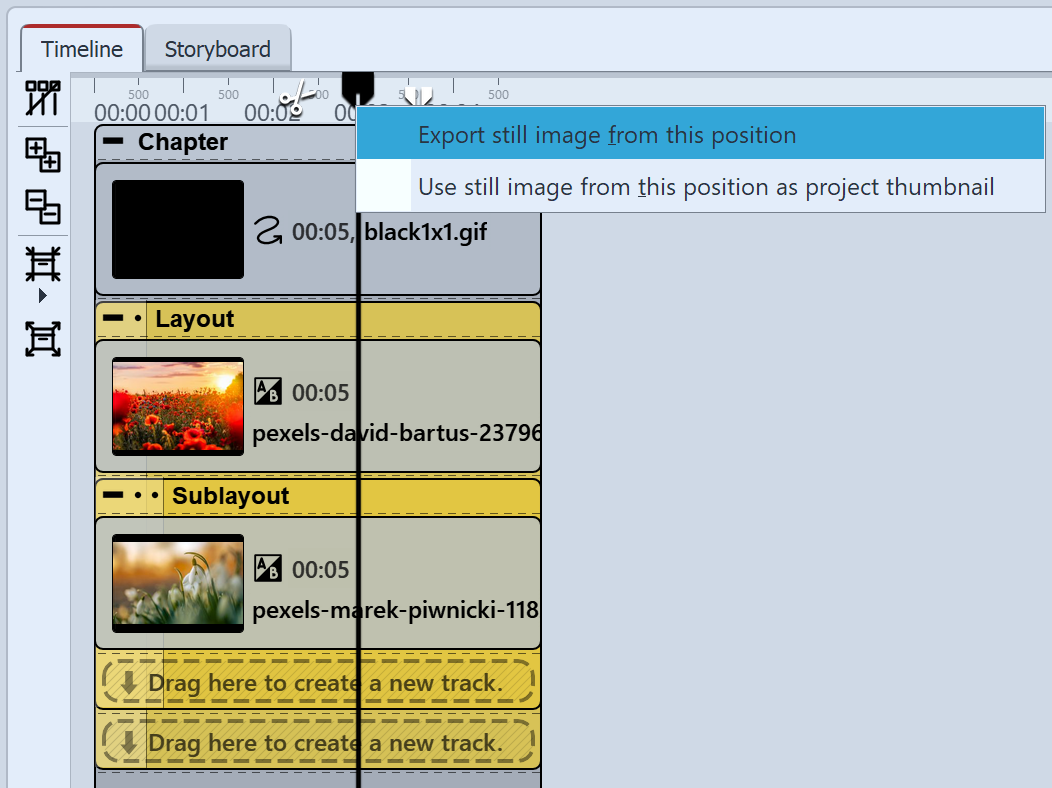 Standbild exportieren Drag the playhead to the point in your presentation where you want to create a still image. It’s best to find this point with the live preview enabled, for example.Now right-click on the playhead and select •Export a still image from this position to save an image •Use a still image from this position as the project thumbnail to save an image and set it in the project settings A window will open allowing you to define the settings for the image to be exported. |
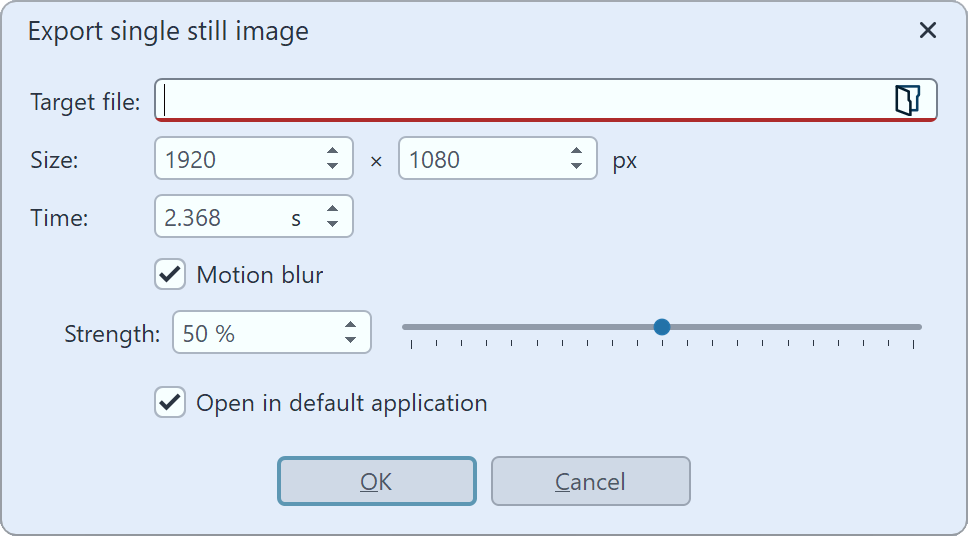 Settings for still image export Use the folder icon to select the location for your still image and specify whether it should be saved as a PNG, JPG or WebPfile. (Transparent areas can only be saved in PNG and WebP files). Select the size for the still image. Furthermore, at the Motion Blur point you can decide whether and with what strength a motion blur should be applied to the still image to be exported, provided that it is played back with motion. After saving the image, you can optionally have it opened directly in the standard application for the image format in question. |
2 Set project thumbnail/video thumbnail
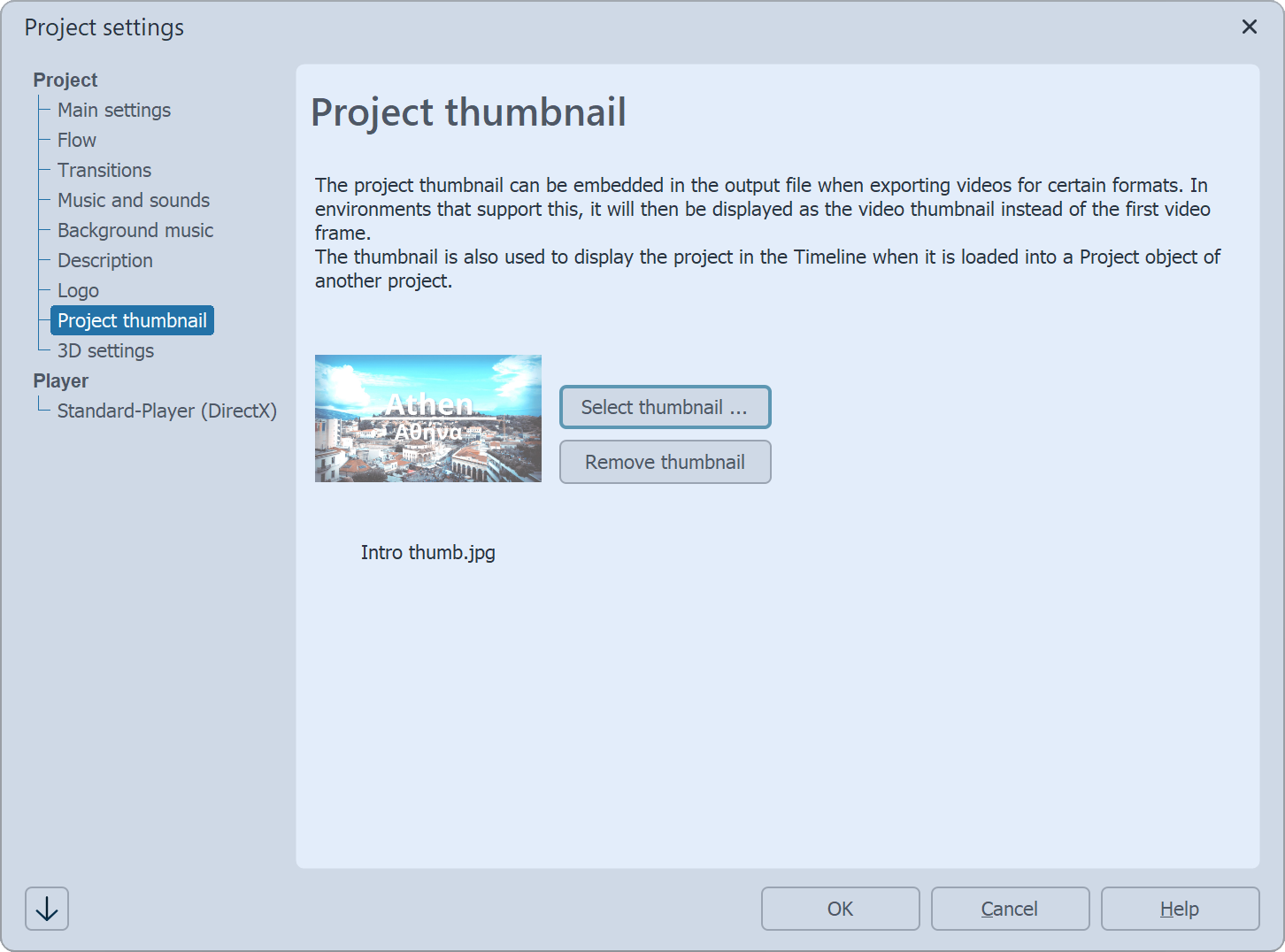 Thumbnail for project/video If you have saved an image from this position as a project thumbnail using the freeze frame function, you will find it stored in Project / Settings / Project thumbnail.You can also access this section separately and store an existing image here, or change or remove a stored image. You can view the project thumbnail in the Timeline when the project is integrated into a show as an external project. If the "Embed project thumbnail" checkbox is selected in the Video Wizard during export, the thumbnail stored in the project settings will be used as the video thumbnail. |
3 Display a video frame as a still image
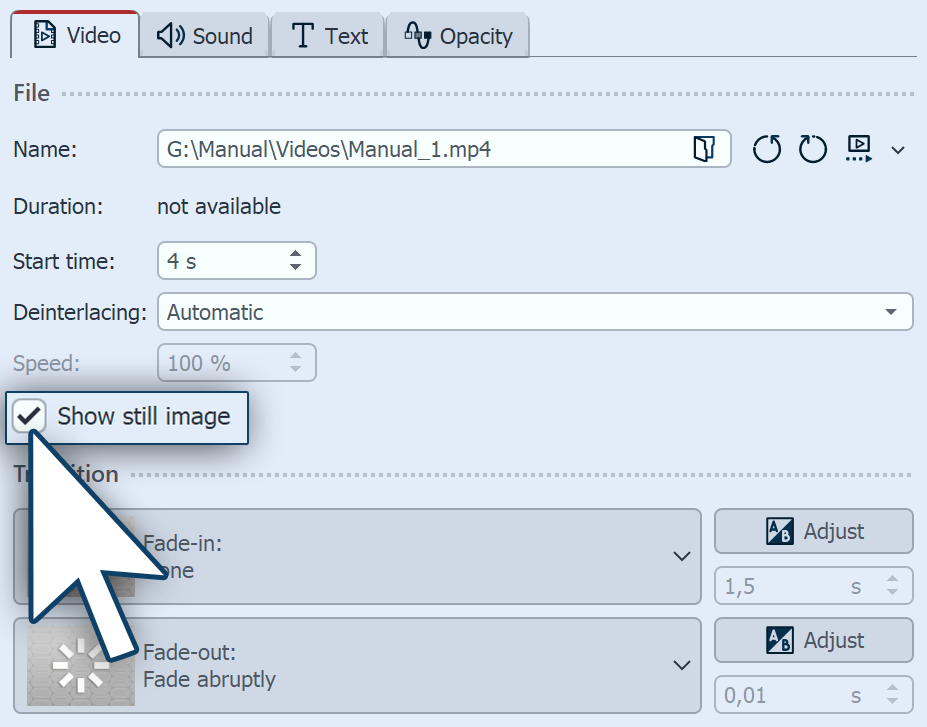 Display video as a still image If you want to display the first frame or a specific frame from a video as a still image, you can specify this in the video object's properties.
|