Search for missing files


|
Search for missing files |
|
|
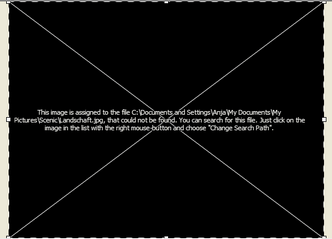
AquaSoft ® SlideShow XP five & Studio only saves links to your images and music used in the slide show. If you move, delete or rename your images, AquaSoft ® SlideShow XP five & Studio cannot open them anymore. You will see the following screen in the layout designer:
AquaSoft ® SlideShow XP five & Studio cannot retrieve/find deleted files.
If there is one image not being found, you can click with the right mouse button on the object and choose "Change search path". Enter the new location of the image here.
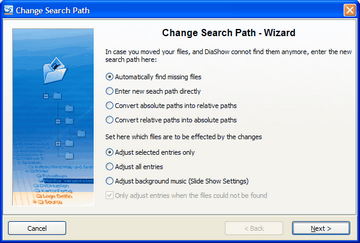
If the search path to several images of your show is missing, open the search path wizard through "Wizards" / "Search for missing files".
You have different options for the search.
If you aren't sure where the files to be searched for are, activate the automatic search.
When you know exactly where your images are, enter the path directly.
If you want to change the path from absolute (path directions are saved completely) to relative (path directions are saved in relation to the directory of the ADS-file) or the other way around, choose the according option.
Set which entries are supposed to be changed afterwards.
Now click "Next".
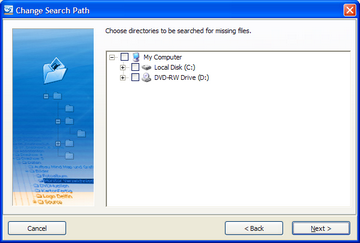
Then choose where the wizard should search for your images.
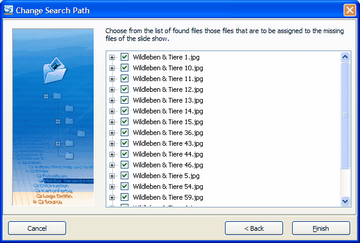
Click next and the search is started. The results of the search are shown afterwards.
Click "Finish" and the slide show will be updated. |
| Copyright © AquaSoft ® 1999-2007 www.aquasoft.de |