Sound Wizard


|
Sound Wizard |
|
|
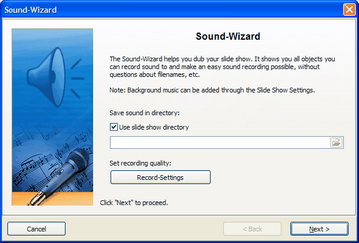
Using the sound wizard you can record comments and sounds to your images over a microphone connected to your PC.
Only images that have been added as "Image, Text, Sound"-objects can have a comment assigned. An "Image with Effects" does not support sounds.
You can find the sound wizard in the menu under wizards.
You can save the resulting files in the slide show folder or choose a different directory.
In "Record Settings" you can set how the comments are to be recorded.
Then click "Next".
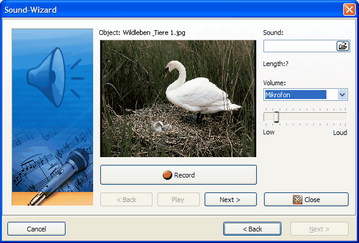
Now the images that can be provided with a comment are shown one after the other. Just click "Record" and start speaking. Should you misspeak, stop the recording and start again.
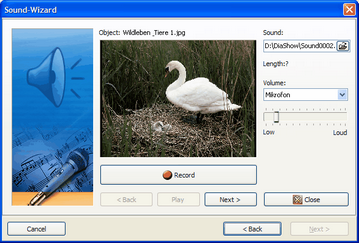
With "Play" you can listen to the recording. Click "Next" to get to the following image. Close the sound wizard after finishing your recordings.
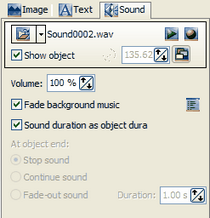
The sound wizard attaches the recorded comments automatically to your images. In the setting of the right images you will find the recorded files.
|
| Copyright © AquaSoft ® 1999-2007 www.aquasoft.de |