Camera Pan


|
Camera Pan |
|
|
With this short tutorial the new camera pan feature of AquaSoft ® SlideShow XP five & Studio is exemplified.
Create a new slide show
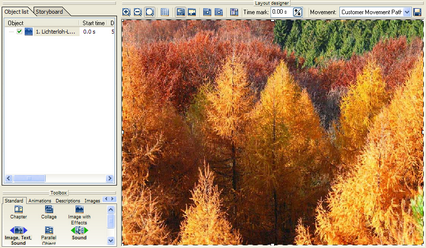
Now choose an image. Click on it in the image list so that it is shown in the layout designer.
The standard setting now shows the entire image. With a click on the Click on the first mark (0,0) and position the frame, smaller than original, at the left side of the layout designer.
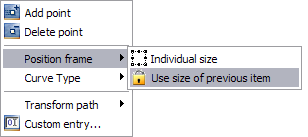
Because a zoom is undesirable during a standard camera pan, we will turn it off here. To do that, you only need to make both position frames equal in size. Making the size adjustment by hand would be very tedious, that's why AquaSoft ® SlideShow XP five & Studio offers a very handy function for this problem. Simply choose the second movement mark and click it with the right mouse button. A menu appears.
In this menu, choose "Position frame" / "Use size of previous item". This way the size of the second movement mark is automatically fit to the first one and cannot be changed by accident.
Now align the position frame of the second movement mark on the right side of the first.
Click on |
| Copyright © AquaSoft ® 1999-2007 www.aquasoft.de |


 and drag and drop an "Image with Effects" from the toolbox into the image list.

 symbol at the top edge of the layout designer is chosen. Otherwise you're in the movement path mode.
 symbol you now add another movement mark.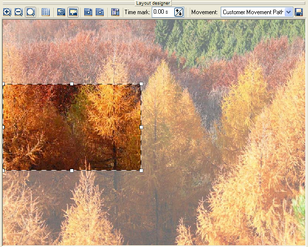
 in the layout designer.
 and marvel at the effect.