Template Editor


Template Editor |
|
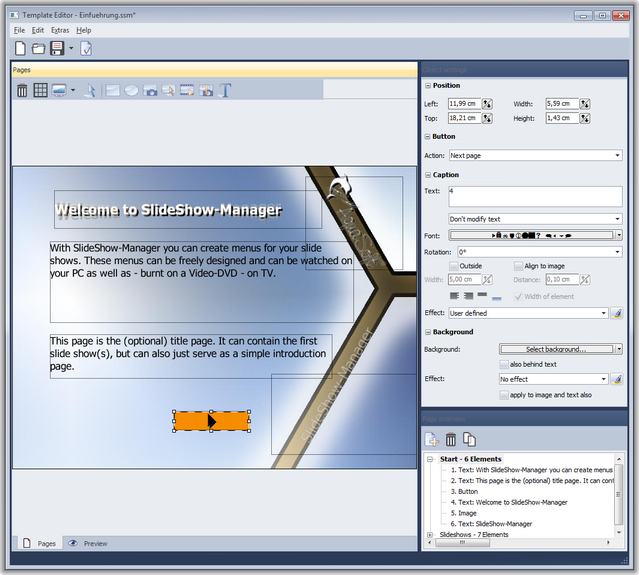
The Template Editor allows you to create templates yourself or edit existing ones.
Here you'll find a set of tools that help you design your template. Add images, buttons and slide show placeholders. On the right side of the editor window you can edit the settings for the selected object.
|
| Copyright © AquaSoft ® GmbH 1999-2014 www.aquasoft.net |