Camera Pan with Collage


|
Camera Pan with Collage |
|
|
You can use pans with collages the same as with normal images.
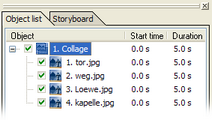
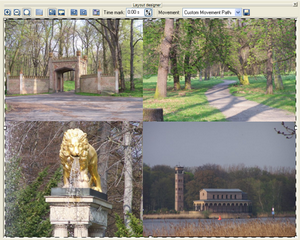
Create an image collage. A detailed how-to you can find here.
Now select the collage in the image list.
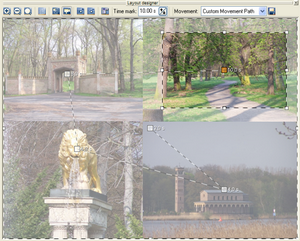
Switch to the layout designer mode for camera pans through a click to the
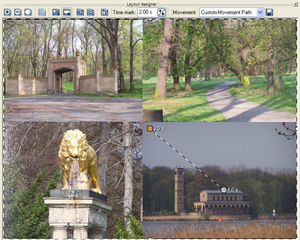
Add a movement mark by clicking
Make the position frame smaller and drag it to the area you want to be visible on screen.
Select the first mark and raise the time, otherwise the camera pan will start immediately.
The time can be changed with
Start playback with
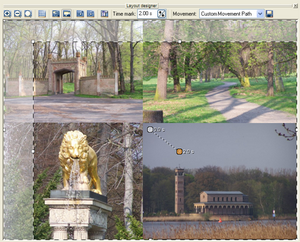
You can add any number of movement marks with
Admire the result with
|
| Copyright © AquaSoft ® 1999-2007 www.aquasoft.de |


 symbol.
  .
.
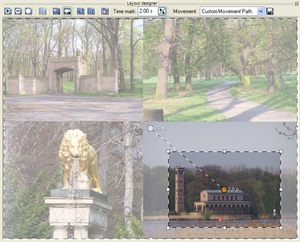
 .
.
 .
.