Text object


|
Text object |
|
|
Of course, a good slide show needs the occasional comment to fade in. The "Image, Text, Sound"-object only allows for a limited number of possibilities to animate the text. The text object however, offers you a large range of animations and possibilities to let the text appear independently from your images.
You can assign a movement path to a text object. In AquaSoft ® DiaShow Studio you can also freely rotate the text.
To add a text object, click the symbol
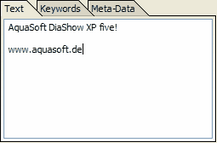
In "Text" you can now enter your text.
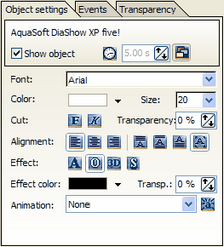
You can make changes to the design of the text in the object settings.
The settings for font, color, alignment and more are known from other common word processing applications.
Now you want to animate your text. In animations a large number of preset text animations is offered.
You can directly edit the animation over the
|
| Copyright © AquaSoft ® 1999-2007 www.aquasoft.de |
 in the toolbox. Now a text object is added to the end of your slide show. Click the symbol and move it with pressed mouse button to the desired place in the slide show.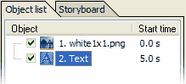



 button. More detailed information about text animations can be found